


You upload a good image, ask for one simple change, and receive a result that alters far more than expected. The face shifts, the lighting changes, or the background becomes unrelated to the original request. That does not always mean the model is unusable. Often, the instruction itself gives the system too many decisions at once. Tools such as Nano Banana make prompt-based image editing accessible, but better results still depend on giving the model a clear job. A simple troubleshooting method can save many unnecessary retries.
Treat Every Edit as a Small Technical Test
The fastest way to improve an AI edit is to stop treating the prompt like a wish list. Treat it like a test with one main variable.
Suppose you have a portrait and want a professional-looking office background. If you also request a new outfit, different hairstyle, brighter skin, dramatic lighting, and a new camera angle, you will not know which instruction caused an unwanted change. Start with the background only. Keep the person, pose, clothing, and framing unchanged.
This approach is similar to troubleshooting any technical system. Change one important condition, inspect the output, and then move to the next change. It gives you a clear comparison between the source and the result. When something fails, you can revise the specific instruction instead of rewriting the entire prompt from scratch.
Three Prompt Problems That Cause Most Unwanted Changes
Many weak results come from prompts that sound clear to a person but contain hidden ambiguity for an image model. Before adding more detail, check whether one of these common problems is present.
- The Prompt Does Not Say What Must Stay
“Put this person in a café” describes the new setting, but it does not define what should remain untouched. The model may interpret the request as permission to rebuild the whole image.
A stronger instruction identifies the protected elements first. For example: “Keep the same person, facial features, hairstyle, clothing, pose, and camera framing. Replace only the background with a quiet modern café.” The prompt is not longer for the sake of length. It simply separates fixed elements from editable ones.
- Several Instructions Compete With Each Other
Prompts often contain goals that pull the image in different directions. “Make it candid, cinematic, studio-lit, documentary-style, glossy, and natural” gives the model several visual languages at once.
Choose the primary look and remove the rest. If you want a natural documentary portrait, describe soft available light and an unposed feeling. If you want a polished studio portrait, say that instead. When two directions are both useful, create separate versions. Comparing two focused outputs is more informative than forcing both styles into one generation.
- Abstract Words Replace Visible Details
Words such as “premium,” “beautiful,” “professional,” or “futuristic” can mean many things. They tell the model the intended impression but not what should appear in the frame.
Translate the idea into visible details. Instead of “make the room premium,” ask for warm wood surfaces, clean shelving, indirect lighting, and an uncluttered desk. Instead of “make the product futuristic,” describe brushed metal, a minimal control panel, and soft edge lighting. Concrete nouns and observable conditions are easier to evaluate and revise.
Use the Source Image as a Set of Constraints
An uploaded image contains more information than a paragraph can describe. It already defines proportions, colors, relationships between objects, and often the identity of the main subject. The prompt should tell the model which parts of that information matter.
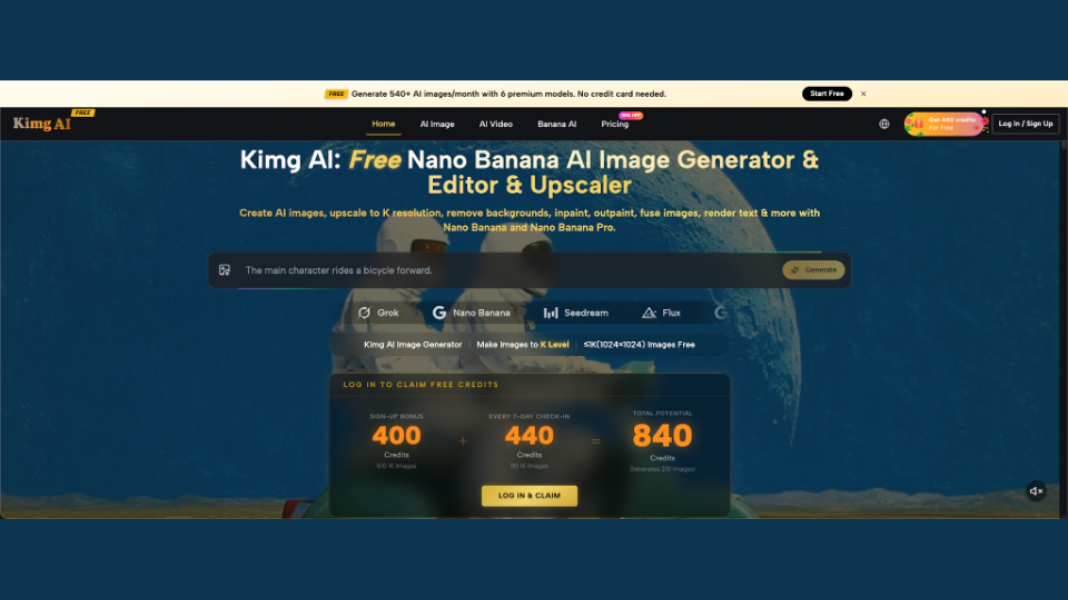
Kimg AI publicly describes Nano Banana as able to transform existing photos while preserving key structural elements. That makes Nano Banana AI especially relevant when the goal is an edit rather than a complete restart.
For example, if you are changing the setting around a chair, say that the chair shape, material, angle, and position must remain consistent. If you are editing a portrait, identify the face, hair, expression, or clothing that should stay stable. The source becomes a reference specification rather than just an inspiration image.
This also helps you recognize when a request is too broad. If almost nothing from the original needs to remain, generating a new image may be simpler than calling the task an edit.
 Add References Only When They Solve a Specific Ambiguity
A second reference image can be useful when text is not enough. Perhaps the source photo has the correct person, but another image shows the interior style you want. Kimg AI states that Nano Banana and Nano Banana Pro can accept up to four reference images, but the maximum is not a target.
Each additional image should have a job. Tell the model which reference controls the subject, which controls the style, and which provides another visual cue. If three images all show different lighting, clothing, and compositions without clear priorities, they can create more uncertainty rather than less.
A practical rule is to begin with one source image. Add a second only when you can finish this sentence: “I need this reference because text alone does not clearly explain ______.” If you cannot fill the blank, leave it out. Fewer, better-defined references are usually easier to troubleshoot.
Inspect the Result in Layers Instead of Asking Whether It Looks Good
A generated image can look impressive at first glance and still fail the actual task. Review it in a fixed order.
First, check the protected elements. Did the person, product, room layout, or important object remain consistent? Second, inspect the requested change. Is the new background, style, or object actually what you described? Third, look at small details such as hands, reflections, text, edges, repeated objects, and unusual shadows.
Finally, compare the new version with the source at the same size. This catches subtle shifts that are easy to ignore when viewing the generated image alone.
If the main change is correct but one secondary detail is wrong, do not restart with a completely different prompt. Keep the successful instruction and add one precise correction. Troubleshooting becomes faster when every new generation has a reason.
Know When to Stop Iterating
AI editing makes experimentation easy, which can create another problem: endless revision. After several versions, users sometimes continue changing the image even though the original goal has already been met.
Set a simple acceptance test before you generate. A product image might need the original product shape preserved, a clean kitchen background, and natural shadows. A portrait might need the same person, a new outdoor setting, and believable lighting. Once those conditions are satisfied, stop.
More generations do not automatically mean a better image. Later versions may introduce new mistakes or drift away from the original purpose. Save the strongest result and, if needed, use it as the starting point for one final targeted adjustment.
A clear stopping rule turns AI editing from open-ended experimentation into a repeatable technical process.
Conclusion
Good AI image editing is less about finding a magical prompt and more about controlling variables. Define what must stay, request one major change at a time, replace abstract words with visible details, and add references only when they have a clear role. Then inspect each result against the original goal instead of judging it only by visual impact. This method makes mistakes easier to diagnose and useful results easier to repeat. For your next edit, choose one image and write a prompt that changes only one clearly defined part.